A text editor.
Not an IDE.
Zag is an extremely opinionated text editor for quick edits and simple writing. It opens as fast as possible and gets out of your way just as fast.
The whole program is this square.
Every byte of Zag’s executable, 436,560 of them, one pixel each.
Half size: each pixel shown is four bytes.
0x00000CFFAEDFE0C0000010000000002000000|................|
Now the others, at the same scale.
Visual Studio Code ×2,187
| Editor | Version | Download | On disk | Times Zag |
|---|---|---|---|---|
| Zag | 0.1.0 | 367 KB | 478 KB | ×1 |
| TextEdit | 1.21 | Built in | 1.8 MB | ×4 |
| TextMate | 2.0.23 | 18.0 MB | 38.8 MB | ×81 |
| CotEditor | 7.1.3 | 26.8 MB | 130.6 MB | ×274 |
| Sublime Text | Build 4215 | 53.3 MB | 146.4 MB | ×306 |
| Zed | 1.28.1 | 88.7 MB | 185.9 MB | ×389 |
| Visual Studio Code | 1.146.0 | 388.2 MB | 1,044.7 MB | ×2,187 |
Not included.
Obviously, that isn’t an entirely fair comparison. Most sites list every nifty feature they have. Here’s what Zag leaves out, on purpose.
If you need any of these, Zag isn’t the editor for you.
Plugin systemExtension marketplaceAutocompleteLanguage serversLintingSnippetsAI assistantDebuggerBuild systemIntegrated terminalGit panelUpdaterTelemetry
An obsessive attention to performance, down to the millisecond.
Every action in Zag is tuned to be as fast as it can be. Anything that makes one slower is a priority-zero bug.
- Launch
- 204ms
24.5 framesone cell, one frame
05101520- From launch to the first drawn window, with five files open.
- Keystroke
- 0.25ms
3% of one frameone frame, 8.33 ms
0 ms12345678- To type one character mid-file and draw it, in CPU time on the main thread.
- Scroll
- 0.27ms
3% of one frameone frame, 8.33 ms
0 ms12345678- To take one trackpad scroll and draw it, in CPU time on the main thread.
Medians of 12 launches, 2,400 keystrokes and 4,800 scroll events. M5 Max MacBook Pro, 120 Hz display, 2026-11-13.
What 436,560 bytes do include.
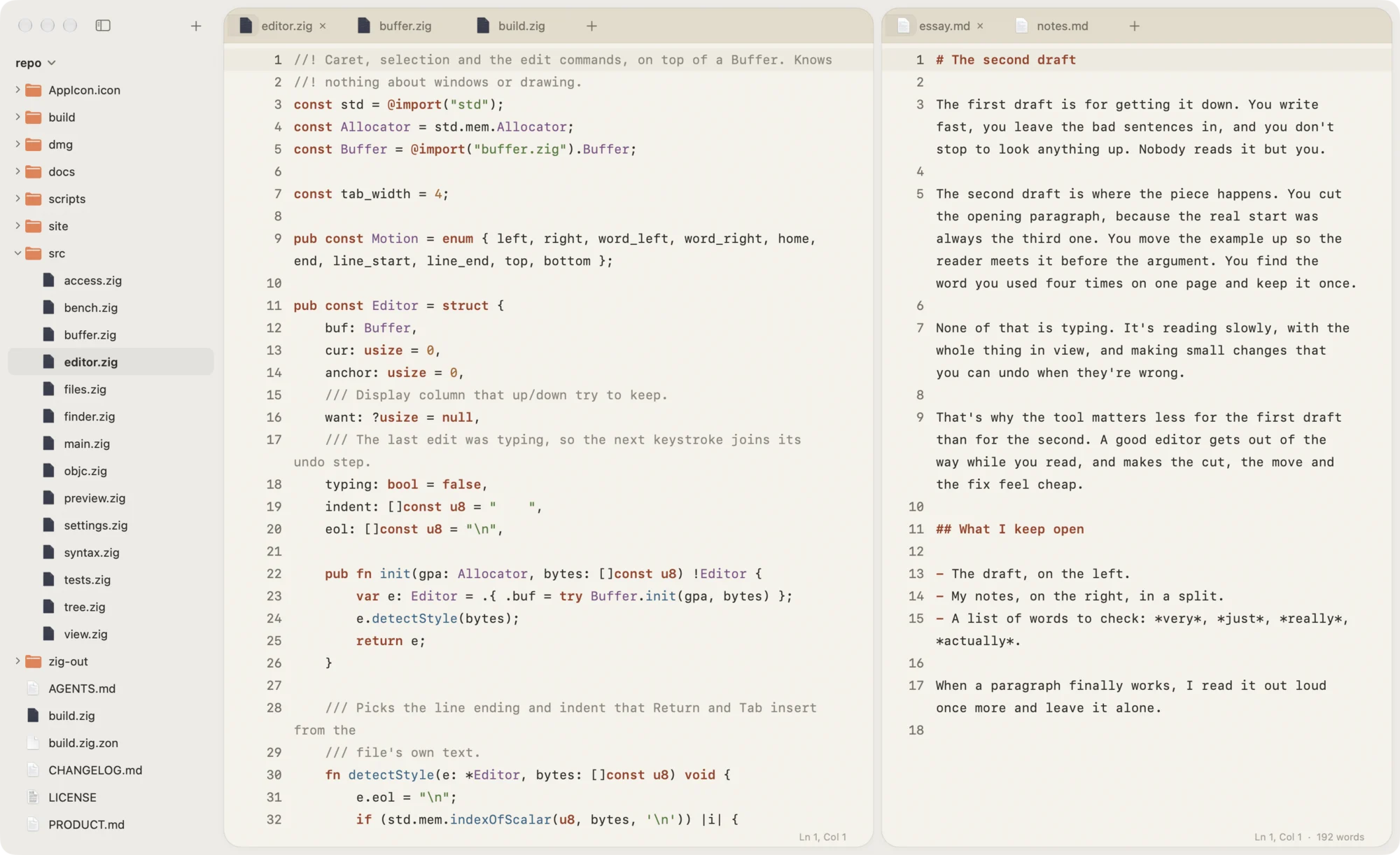
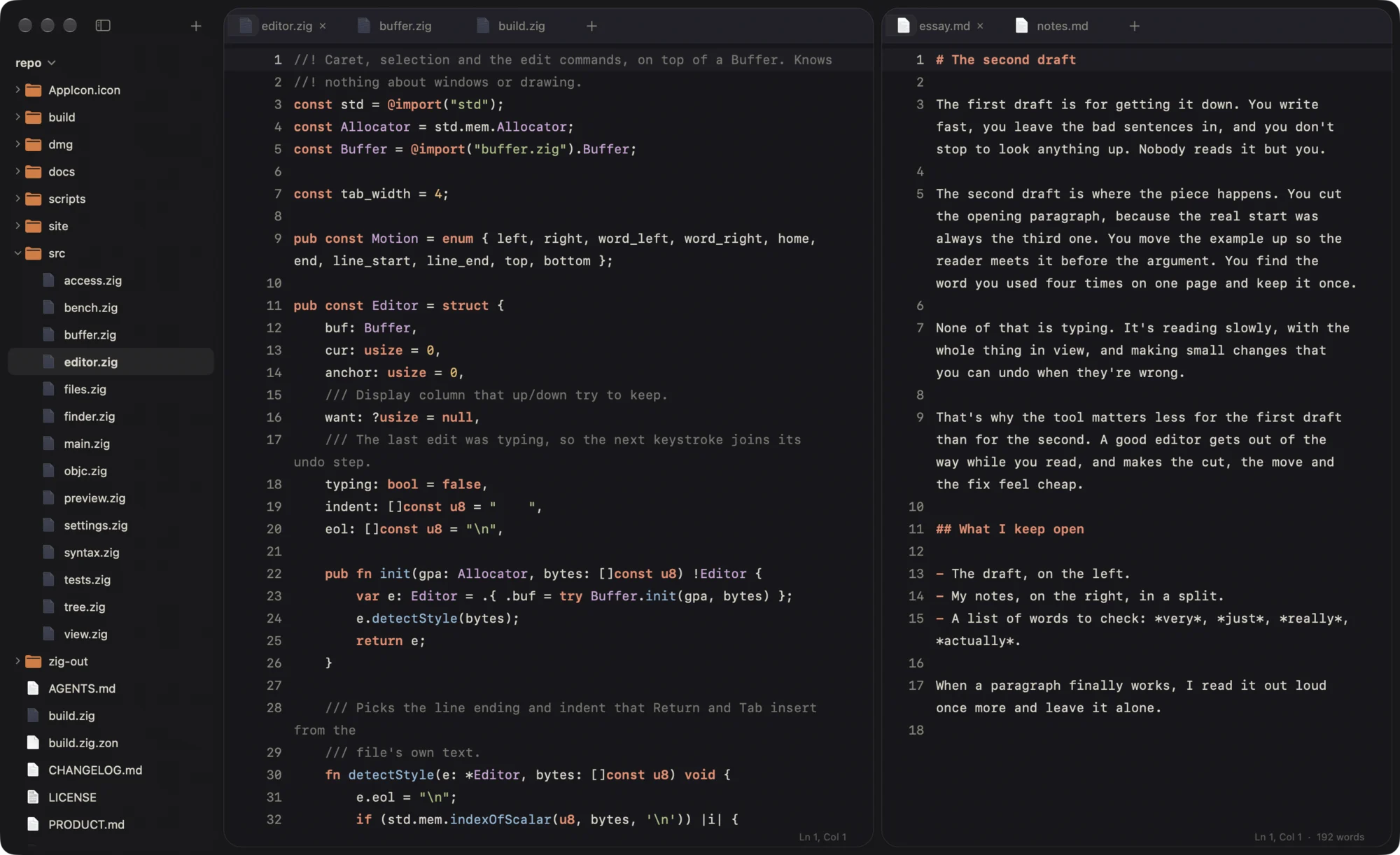
Themes
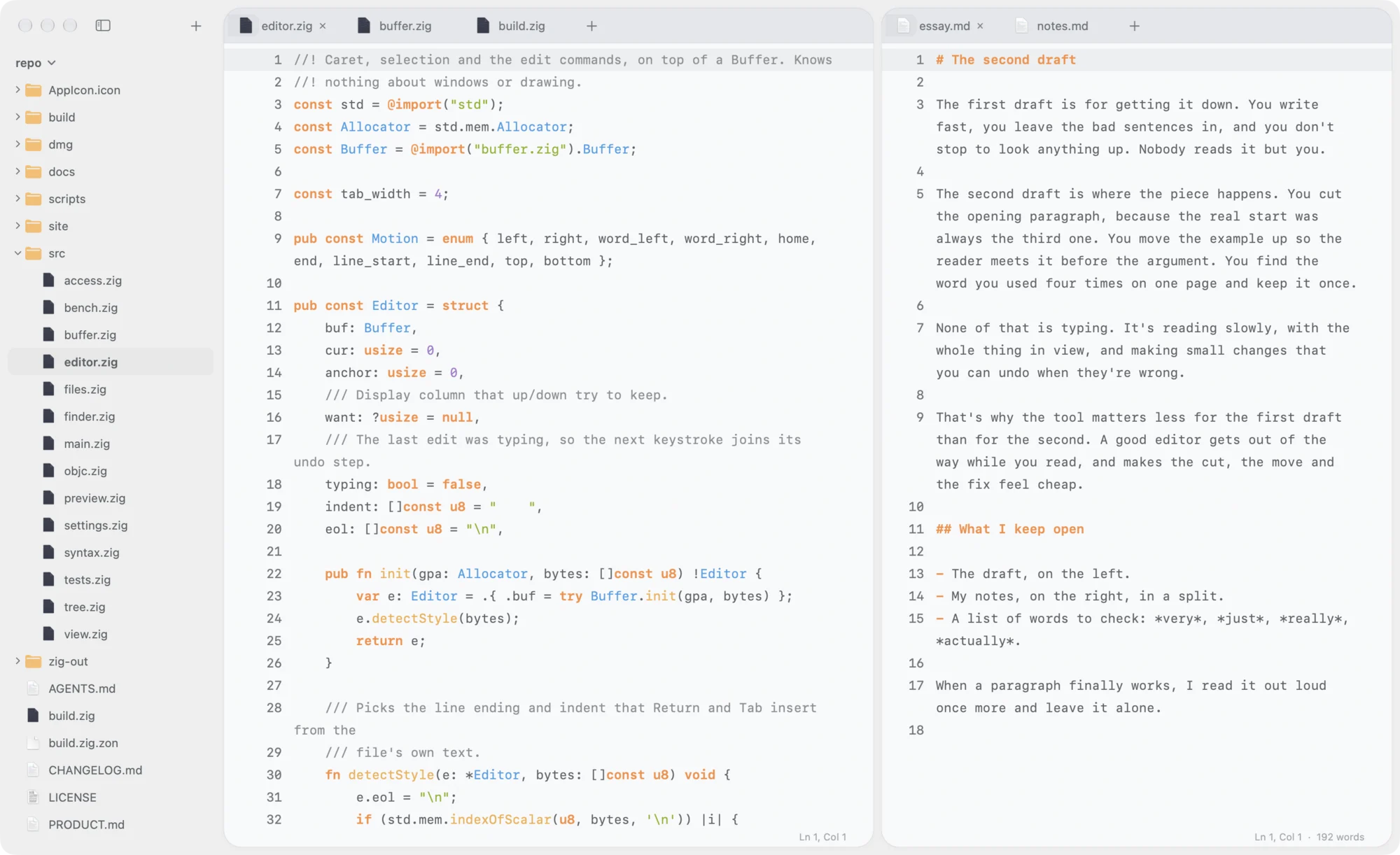
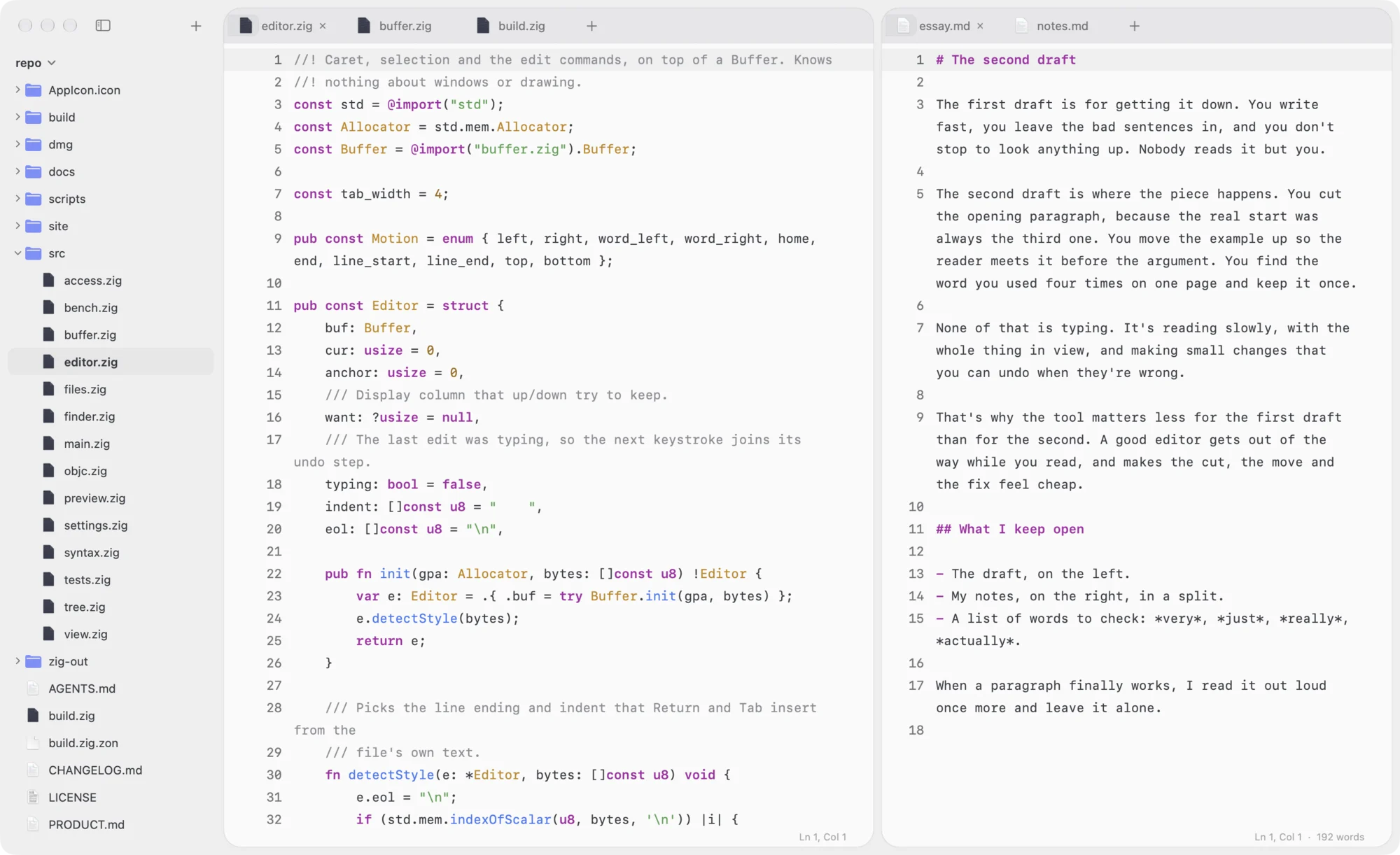
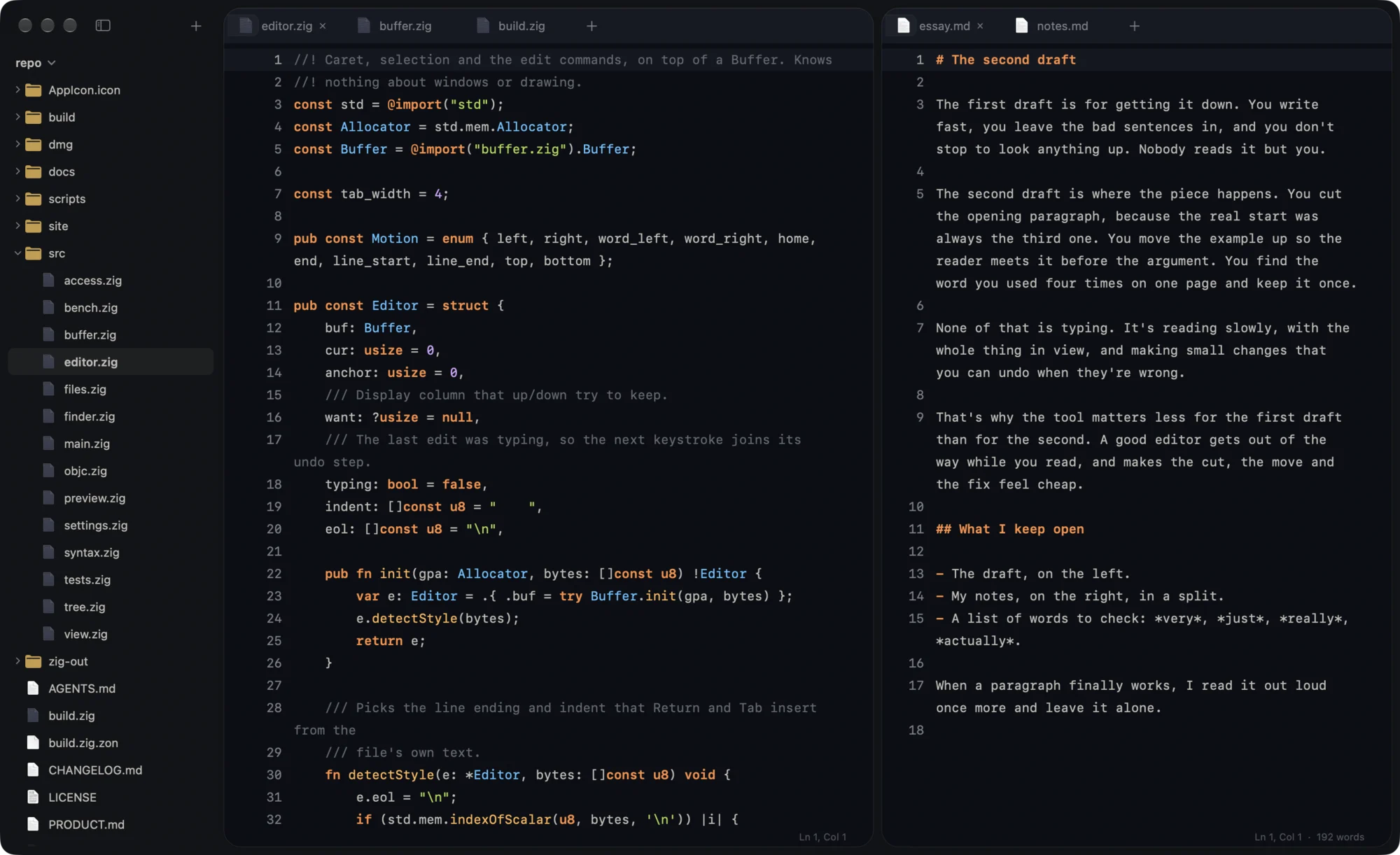
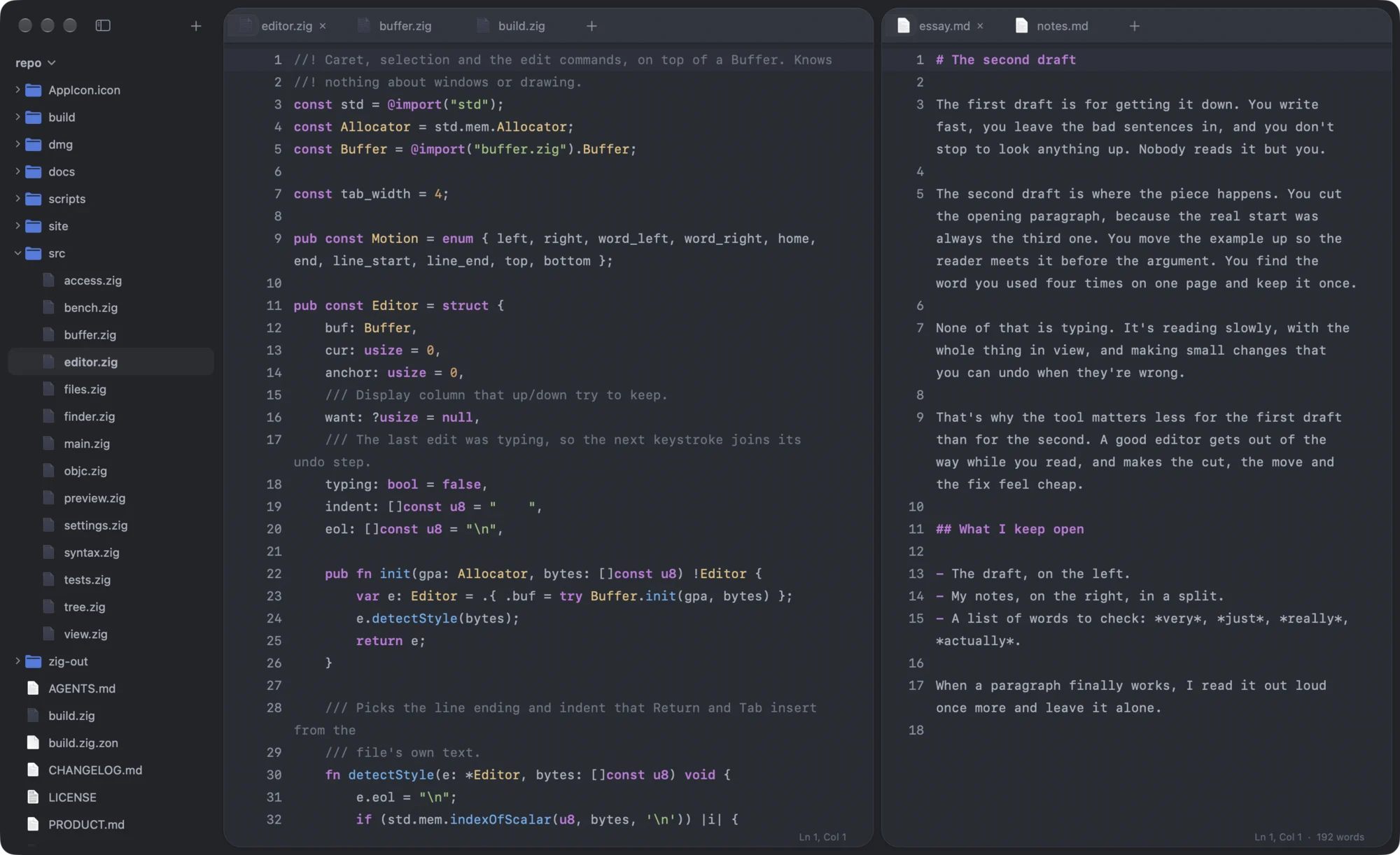
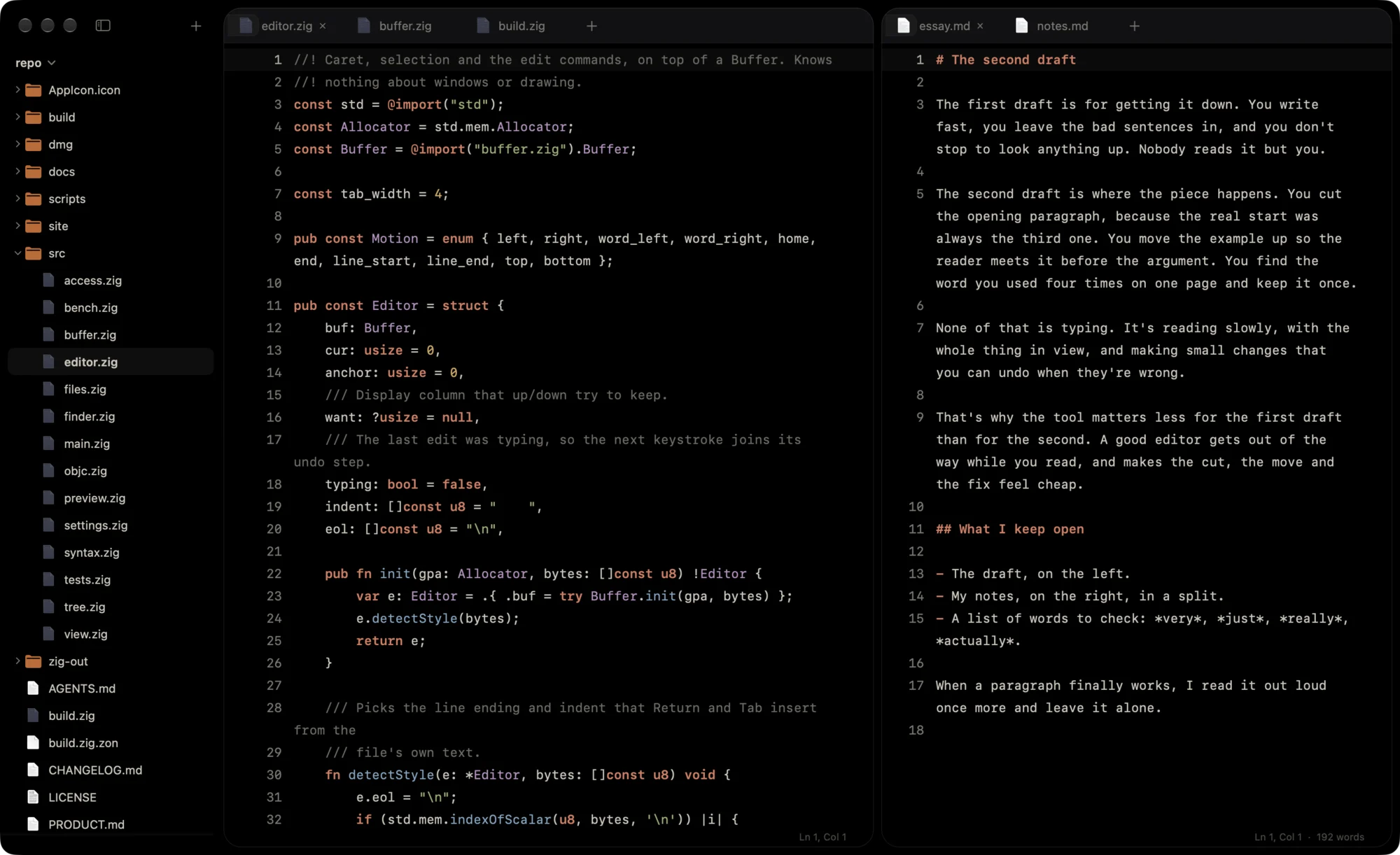
Editing
- Splits and draggable tabs
- A folder sidebar
- Quick Open and a command palette
- Find and replace, Go to Line
- Syntax colors for about 25 languages
- Typewriter Scrolling
- Format JSON
- Safe saves, drafts and session restore
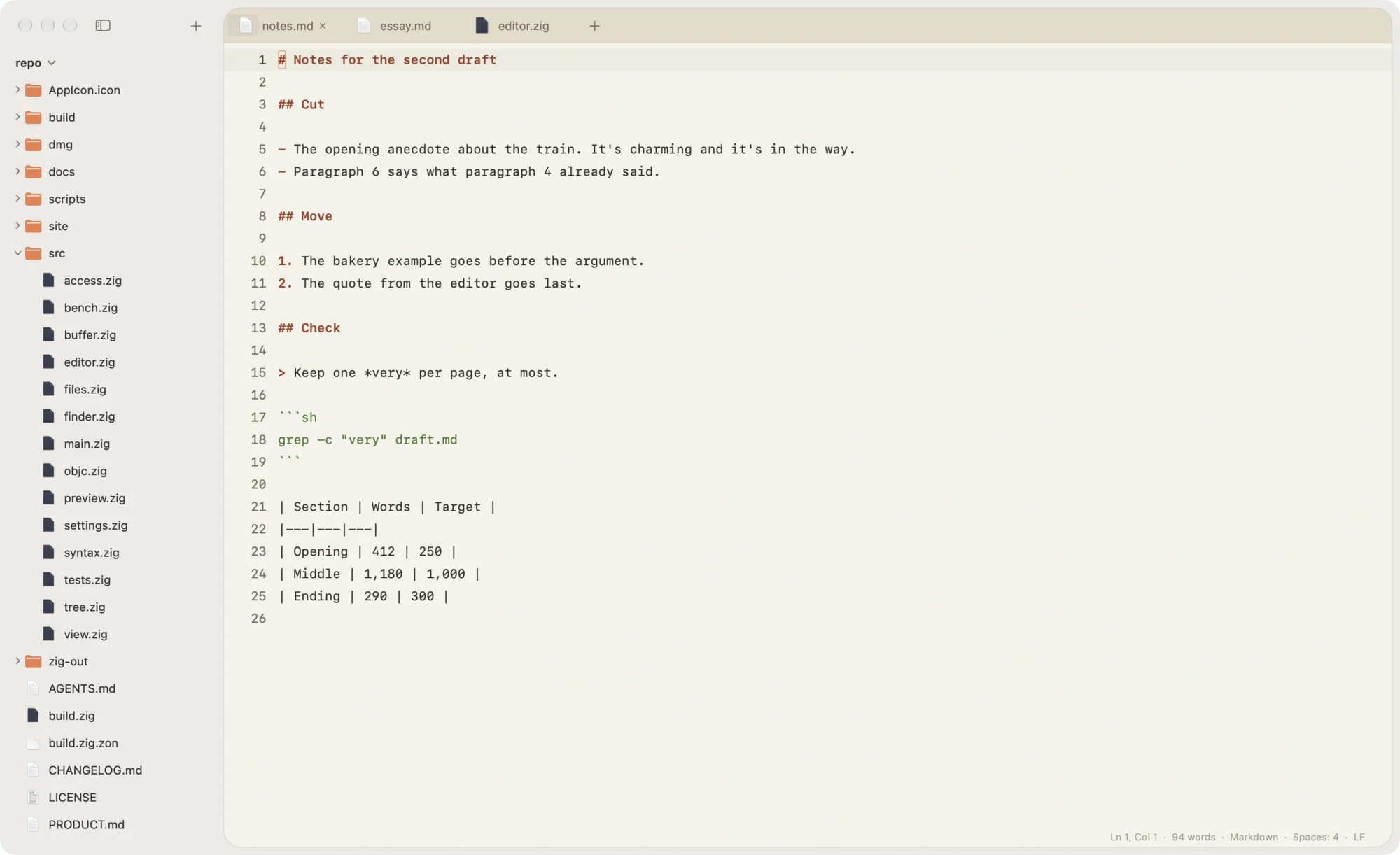
Markdown
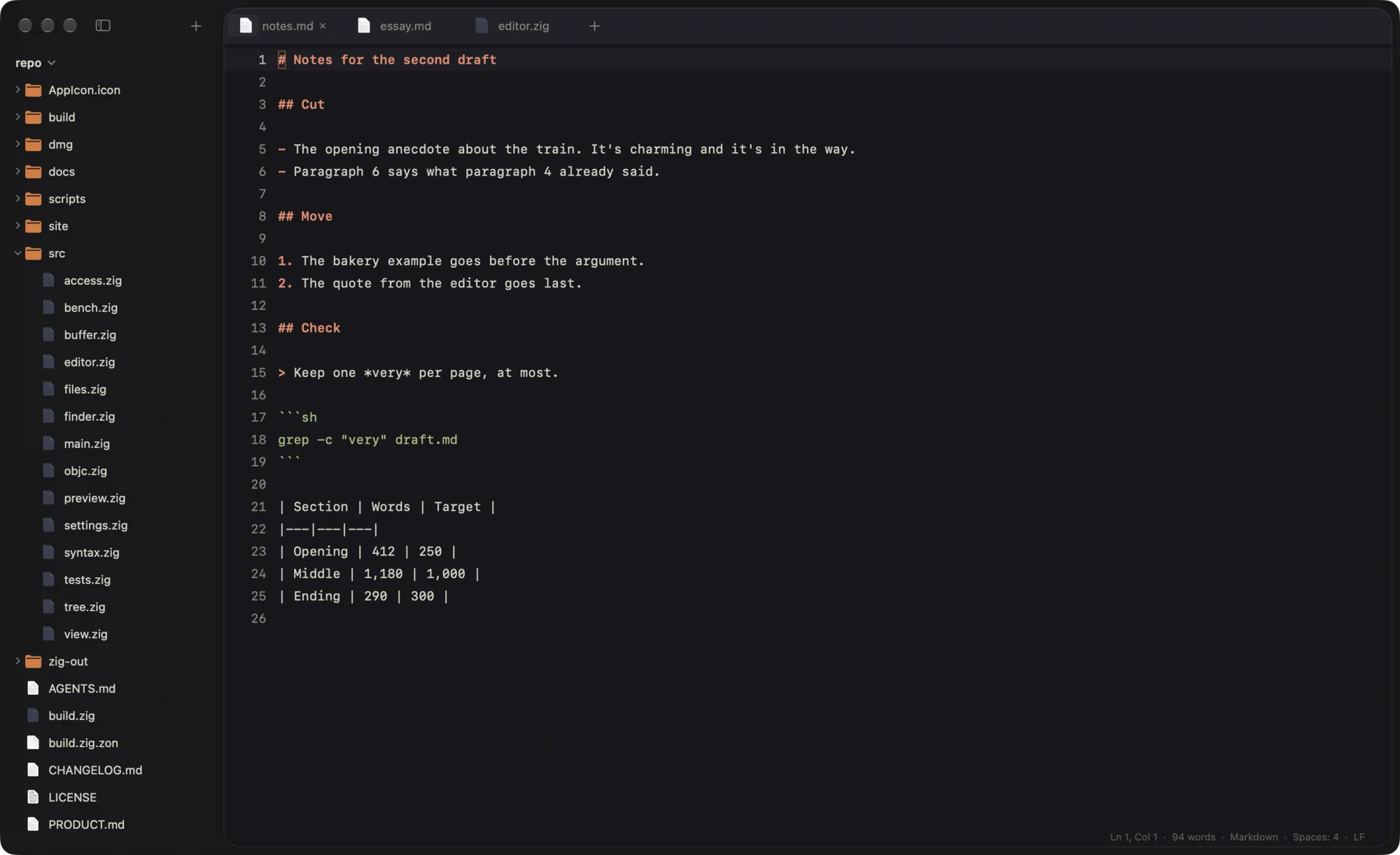
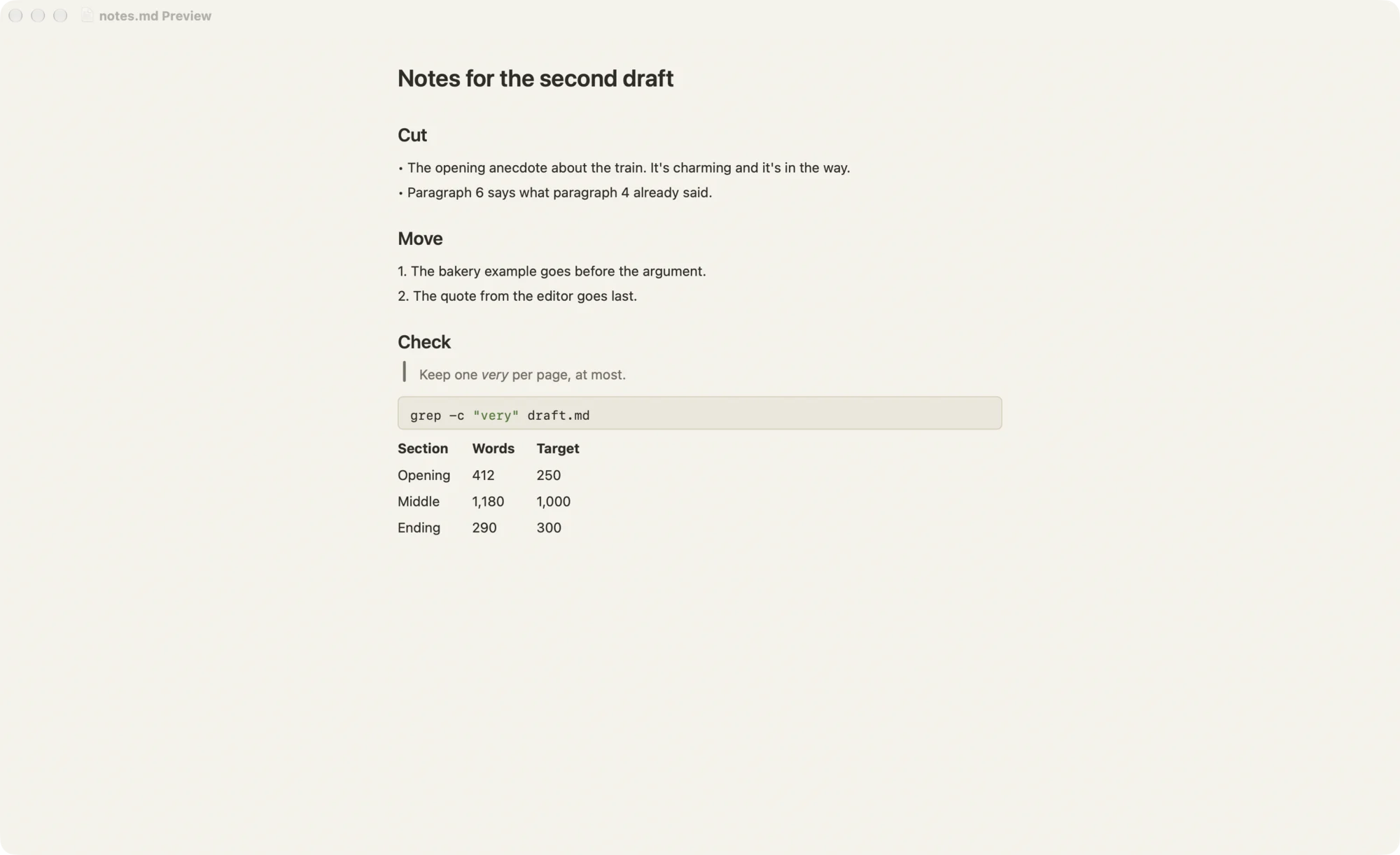
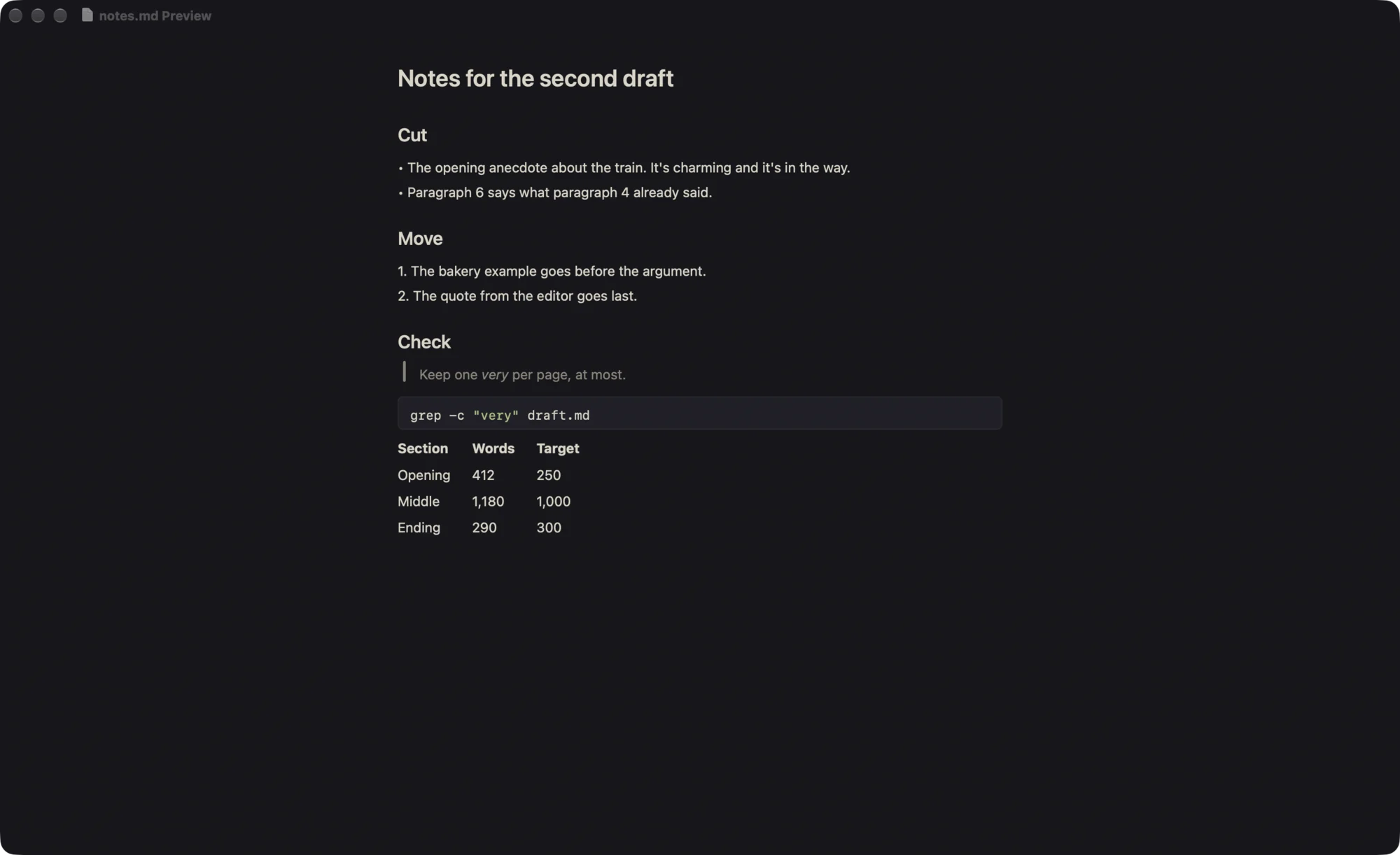
Focus modes
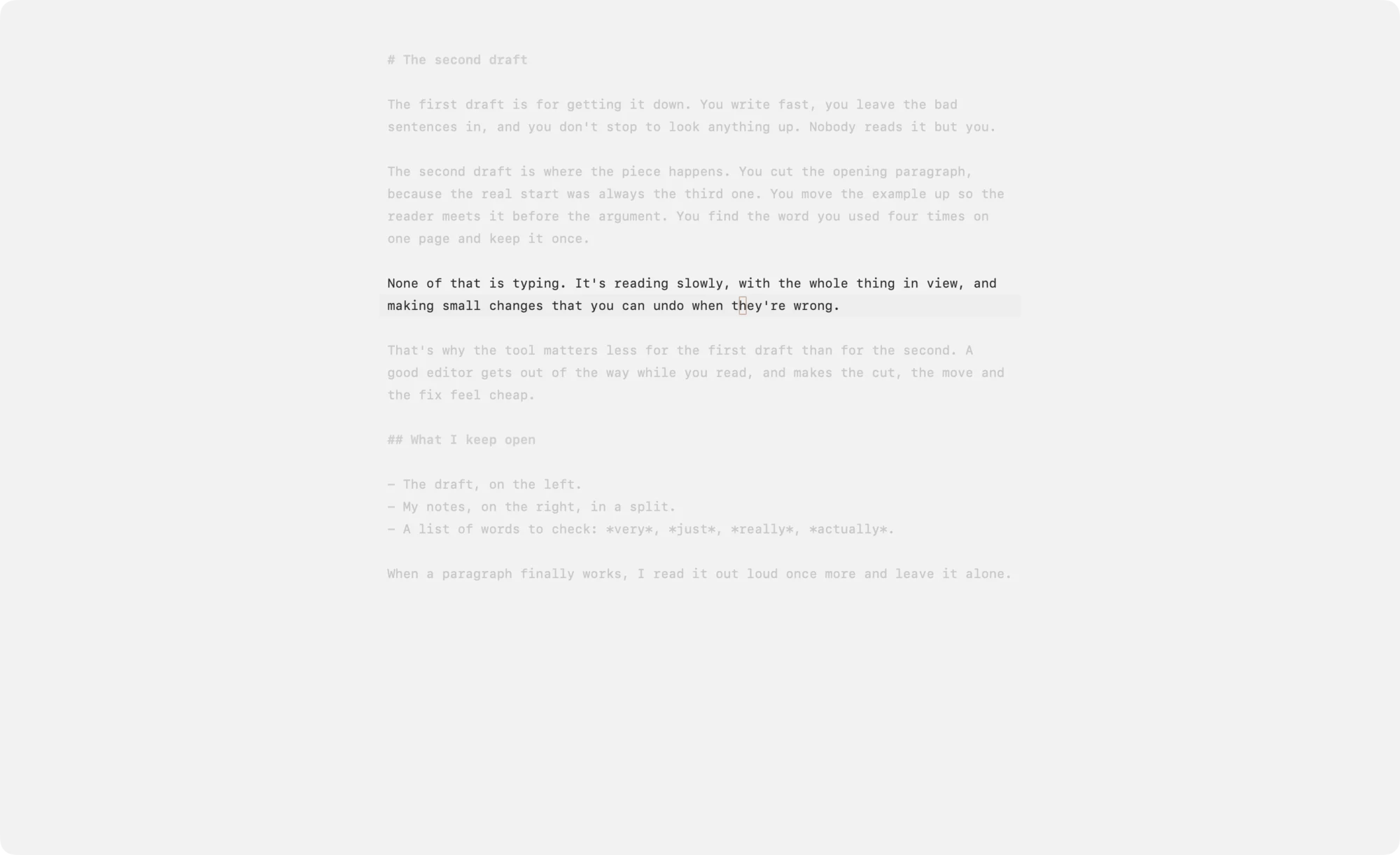
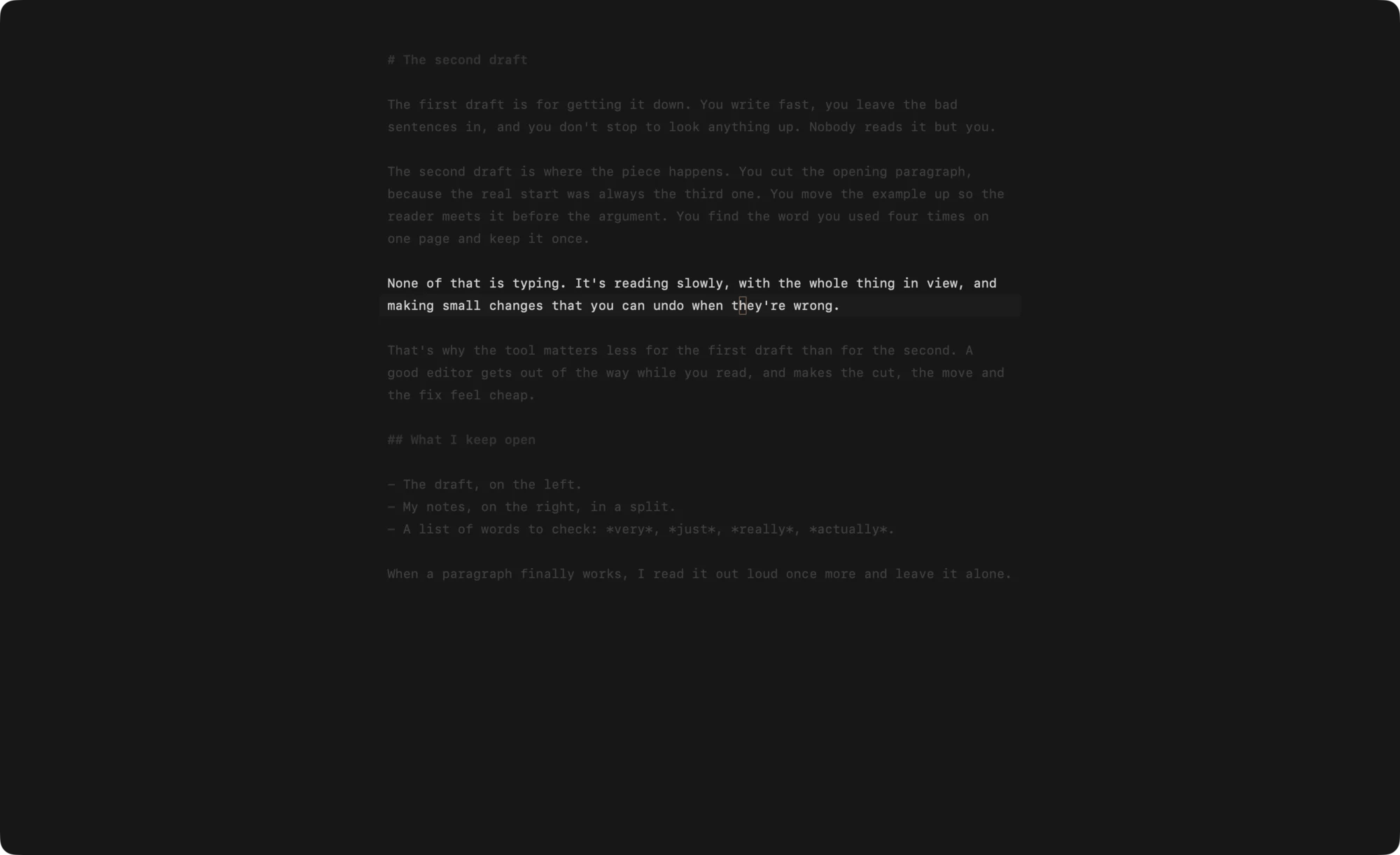
Zen Mode
⌃⌘ZHides the headers, sidebar and status bar and centers an 80-column page.
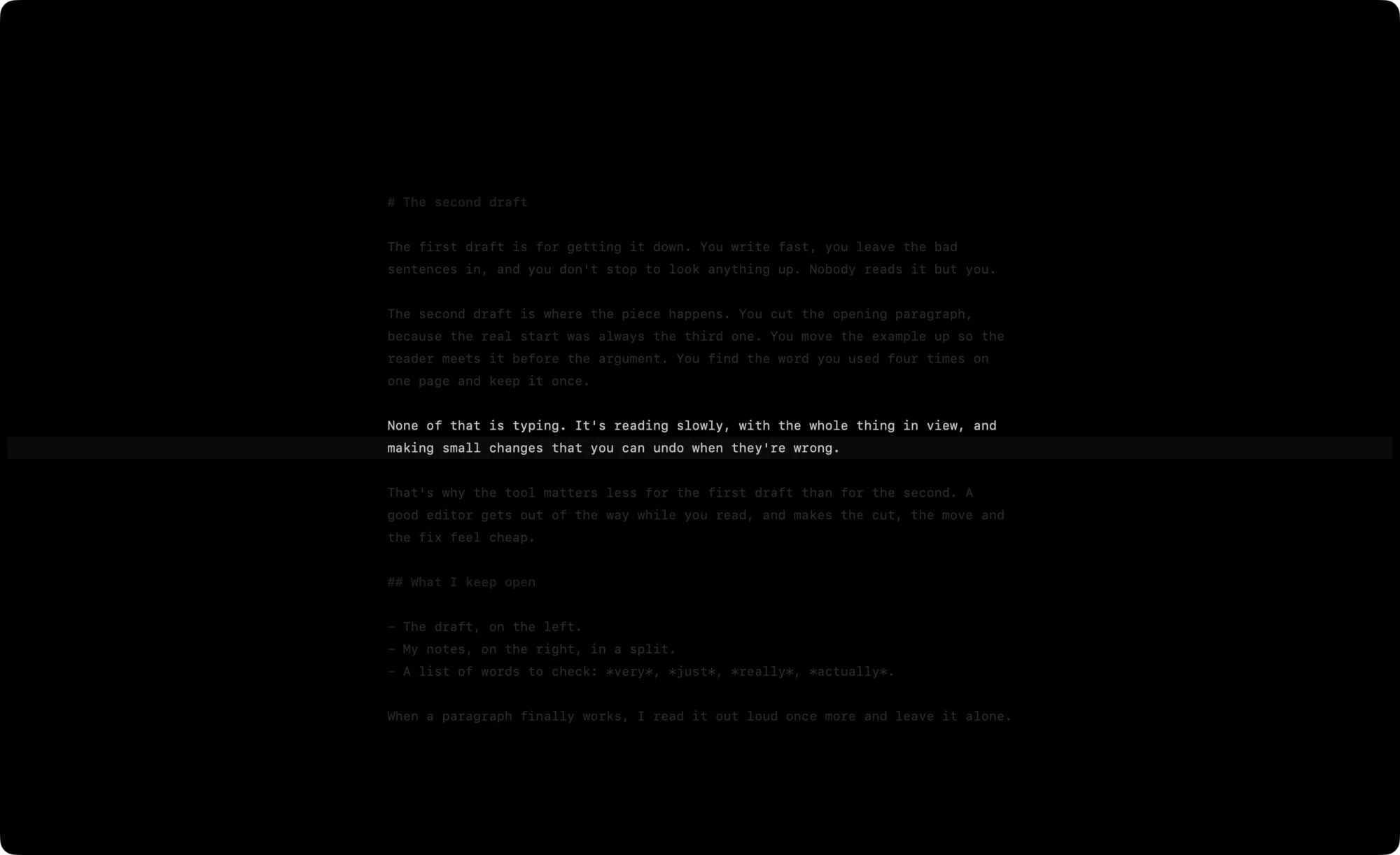
Late-Night Focus
⌃⌘NZen Mode, the Black theme, paragraph Focus and Typewriter Scrolling in one step.
One file. Every option.
Every option in Zag is a line in config.toml with a note that says what it takes, so you or an agent can set up all of Zag by editing one file. Save it and every window changes at once, with no restart.
# Zag settings. Save this file and every window picks up the change.

# A font's PostScript name, like Menlo-Regular, or system for SF Mono.
font = "system"
size = 14
# Line height, as a multiple of the size.
line-height = 1.75
# Wrap long lines at the window's edge: true or false.
wrap = true
# Close brackets and quotes as you type them: true or false.
pairs = true
# Fade text outside the caret's range: off, line, sentence or paragraph.
focus = "off"
# Keep the caret's row in the middle as you type: true or false.
typewriter = false
# Number the lines beside the text: true or false.
line-numbers = true
# Hide the window's chrome and center an 80-column grey page: true or false.
zen = false
Download all of it.
Download for Mac366,969 bytes358 KiB
Zag-0.1.0-arm64.dmg
- Version
- 0.1.0
- License
- MIT
- Requires
- macOS 15+
- Runs on
- Apple Silicon
309498d1e9ed954d09671824d01fa1291c40bd01f425ebdefebc8fb8c5ede8b3